


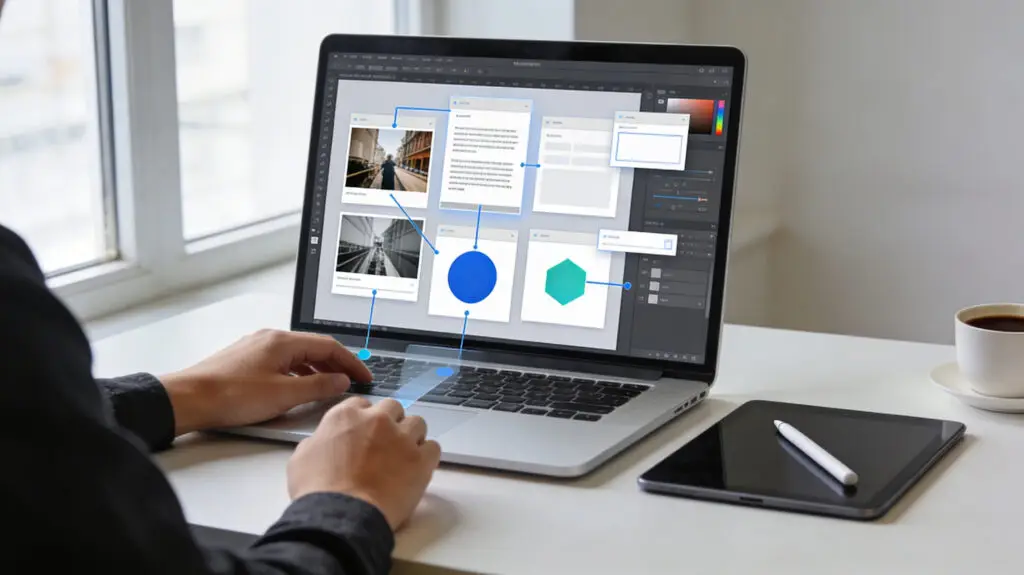
Canva Adds Magic Layers To AI Design Workflows That Can Be Edited
Canva added a new AI-powered feature called Magic Layers that turns static images into design files that can be changed. The technology helps creators change images by breaking up design elements into editable parts right in the Canva editor. Magic Layers fixes a problem that happens a lot: AI-generated images turn into flat files that are hard to change later.
Users don’t have to start over with designs; they can open an AI image and edit each layer right away. Text elements come back as text boxes that can be changed, and shapes, graphics, and backgrounds become parts of the workspace that can be moved. This feature makes design work much faster for marketers, creators, and businesses that use AI-generated images.
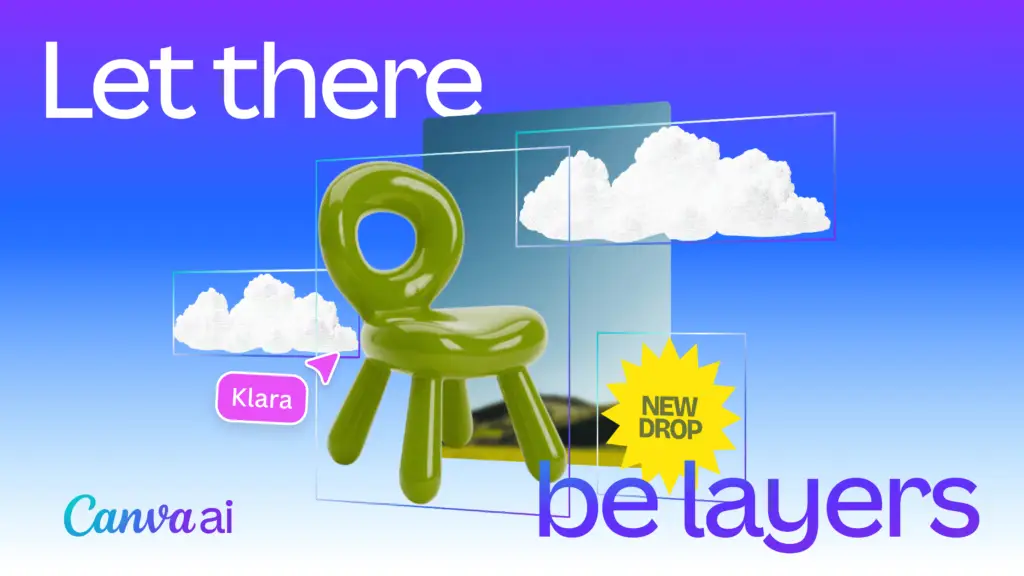
Source: Canva
Magic Layers Changes Static Pictures Into Designs You Can Edit
A lot of AI design tools make images as flat PNG or JPG files, which makes it very hard to edit them. Magic Layers looks at the structure of the image and smartly separates visual parts like shapes, icons, backgrounds, and text. The system puts the layout back together so that creators can once again control where things go, what colors they are, and how they look.
This technology gives designers back their flexibility without needing the original source files, which are often not available in generative outputs. Designers can easily change the background, the spacing, or the fonts without having to start over from scratch. The end result is that editing in Canva’s design platform is now much more flexible.
AI Technology Restores Layout Structure And Design Elements
Magic Layers works by figuring out how the different parts of the original design work together in the composition. The system finds connections between objects and puts them back together based on visual hierarchy, which is how things are arranged. This process lets you change the design again while keeping the original creative vision.
Magic Layers knows the whole layout logic, unlike traditional vector tracing methods that just outline shapes. The AI looks at spacing, layering, and alignment to recreate a working design environment from pixel-based images. This method lets designers change AI-generated images while keeping the overall design the same.
Recommended Article: Trump TikTok Deal Could Deliver $10B Fee To US Government
Canva Design Model Gives AI Editing Features More Power
The company’s own AI system, the Canva Design Model, is what Magic Layers is built on. The model came out in October 2025 to help Canva’s ecosystem work with more advanced creative tools. It makes it possible for presentations, documents, and social media graphics to be made automatically.
The Canva Design Model has already made hundreds of millions of editable visual assets around the world since it came out. The system works with major AI platforms like Microsoft Copilot, Claude, and ChatGPT. These integrations help users come up with content ideas and turn them into fully designed creative materials right away.
Magic Layers Supports Popular Image Formats In Beta
During its public beta phase, Magic Layers only works with single-page PNG and JPG image formats. Canva wants to make it possible to use more complicated file types and design assets with multiple pages in future updates. The goal of the company is to make the tool useful for more types of creative work.
During the beta phase, creators can upload AI-generated images and quickly turn them into designs that can be changed. This feature cuts down on the time it takes to improve or change generated visuals by a large amount. The feature also lets designers use AI ideas again without losing control over how the final product looks.
Marketing Teams And Creators Gain Faster Design Workflows
Canva thinks that Magic Layers will be especially helpful for marketing teams that are working on updates to their campaigns. Businesses often need to update product images, promotional graphics, and advertising creatives on a number of platforms. With Magic Layers, teams can quickly change the message without having to rebuild the design layouts.
Small businesses and independent creators also benefit from the ability to edit things more quickly in Canva. Users can make changes to designs themselves with simple tools instead of hiring someone else to do it. This flexibility lowers the cost of production and makes everyday design tasks more efficient.
Global Rollout Marks The Start Of A New Era Of AI Creativity
Magic Layers is now available in public beta in the US, UK, Canada, and Australia. Canva wants to make its service available to more people around the world once testing shows that it is stable and works better. The business sees this feature as a big step forward in using AI to help people be creative.
Canva’s leaders say that content made by AI should be a starting point, not the final product. Magic Layers gives creators more freedom to improve their ideas, mix and match designs, and change the look of their work. This change could change the way designers work with AI in the creative process.